Upload xDrip+ data to Nightscout
This guide is for xDrip+ on Android, with current glucose already visible in the app. Sensor pairing and Bluetooth setup remain in xDrip’s documentation.
Configure upload
- In your Pro account, copy the complete site HTTPS URL and the API Secret from Site Settings.
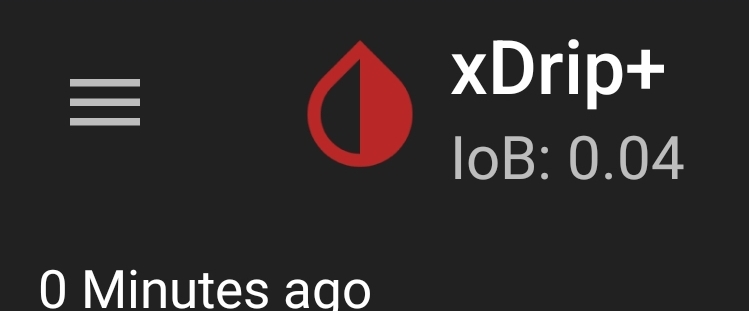
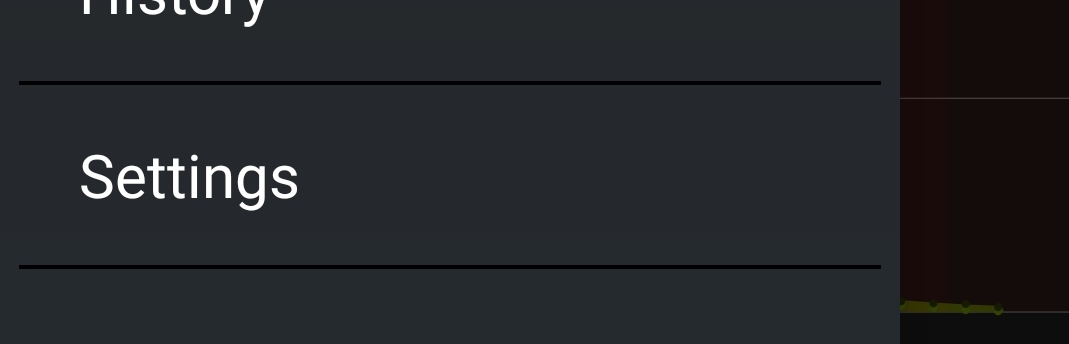
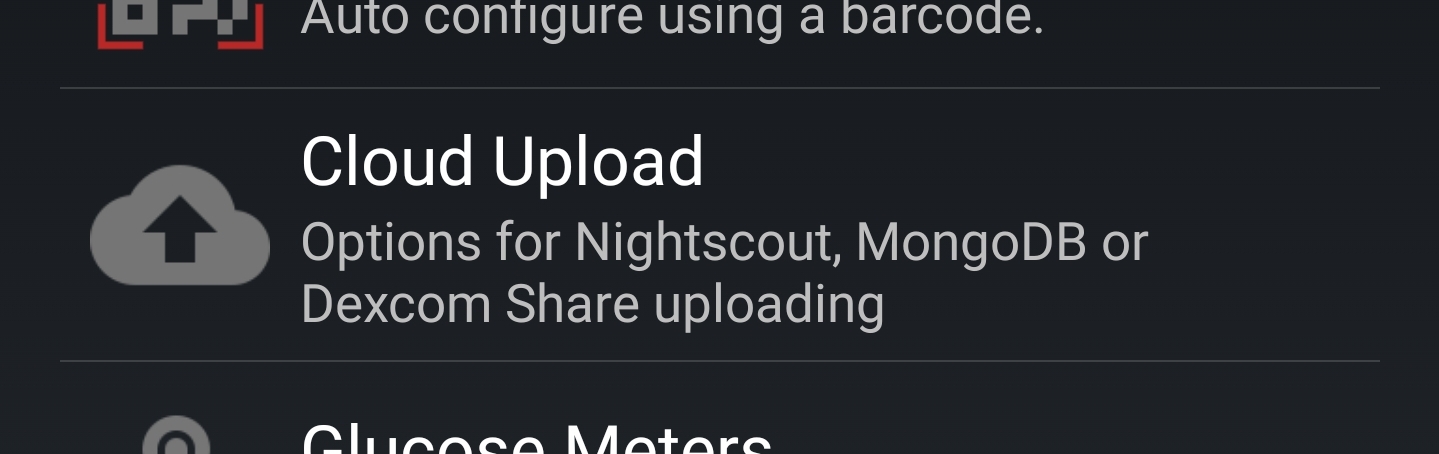
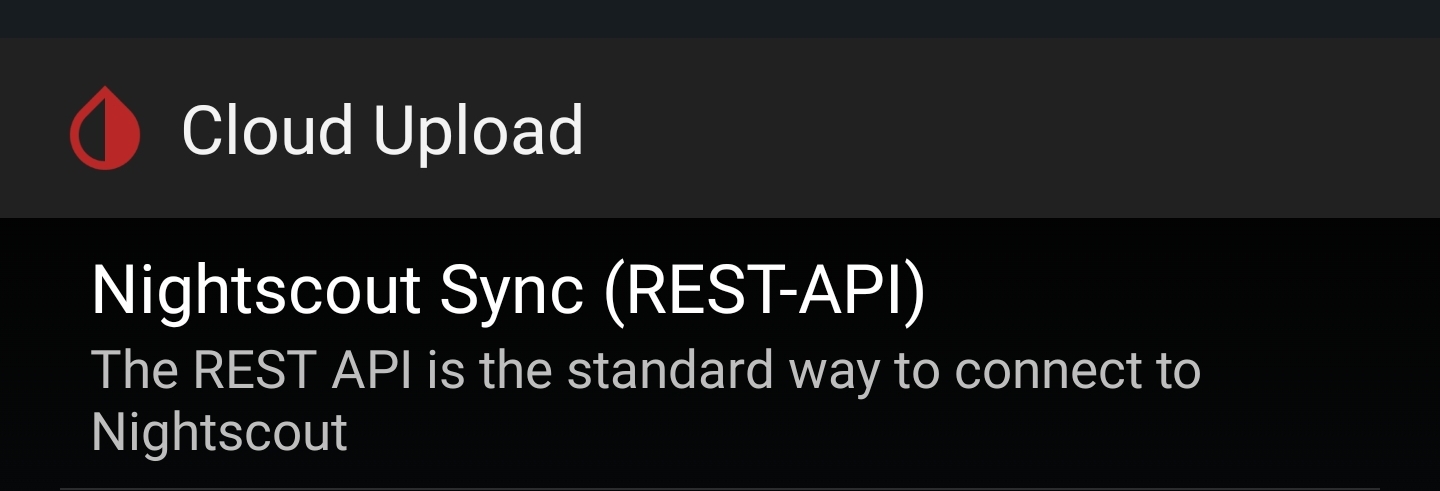
- In xDrip+, open Settings → Cloud Upload → Nightscout Sync (REST-API).
- Enable the upload switch at the top.
- Set Base URL to
https://YOUR_API_SECRET@YOUR_COMPLETE_HOSTNAME/api/v1/. The hostname is the entire site host, including a region if present; do not includehttps://twice. - Save and allow a new reading to arrive. Compare its timestamp and value in Nightscout.
Paste only the clean site origin into the generator: no existing credentials, query, fragment or /api/v1/ path. It preserves the full hostname and encodes URL-special characters in the secret.
The resulting Base URL contains a credential. Keep it private. If the secret contains URL-special characters, use the generator’s encoded result rather than an unescaped hand-built URL.
If upload fails
From xDrip’s home screen open the three-dot menu and View Events Log. Record the error after removing credentials. Check System Status and the uploader status for the queue/last upload, then compare with the site.
A 401/403 points to authentication or permission; DNS/TLS failures need hostname/network/certificate checks. Do not disable HTTPS. If readings stop only in the background, review Android’s background/battery permissions for xDrip.
Use one intended glucose uploader. xDrip following the same site must not send the downloaded readings straight back to it. Follower setup is separate.
Upstream uploader instructions.
Screen reference
These existing screenshots show the navigation; use your own site and credentials, never values shown in an example.